Upload your resume
Start with the PDF or Word file you already have, or create a CV from scratch in the editor.
Your latest progress is saved. Continue where you left off, review your content, or choose a template.
Start with the PDF or Word file you already have, or create a CV from scratch in the editor.
CVX extracts your experience, education, and skills into a clean draft you can edit and refine with AI.
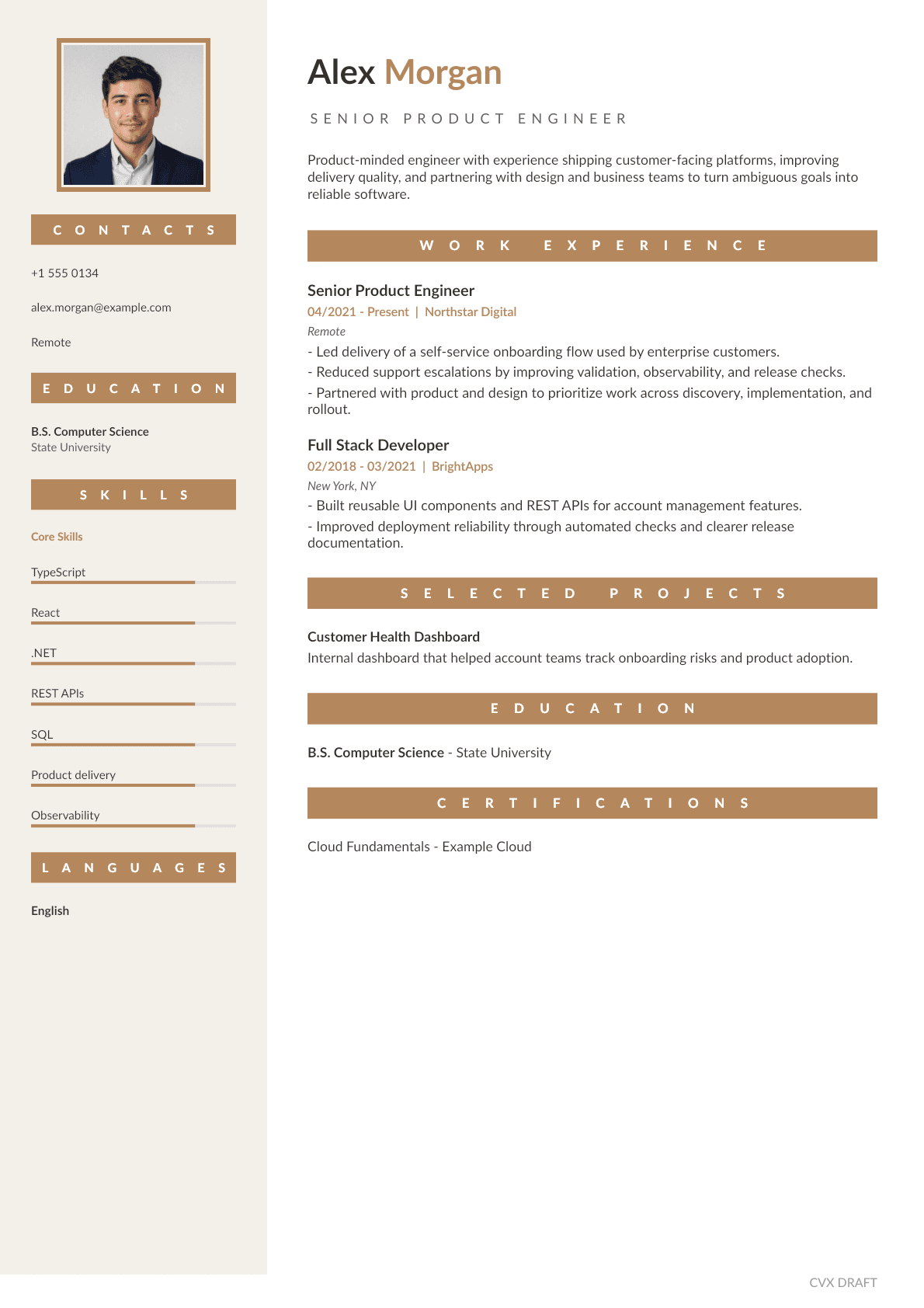
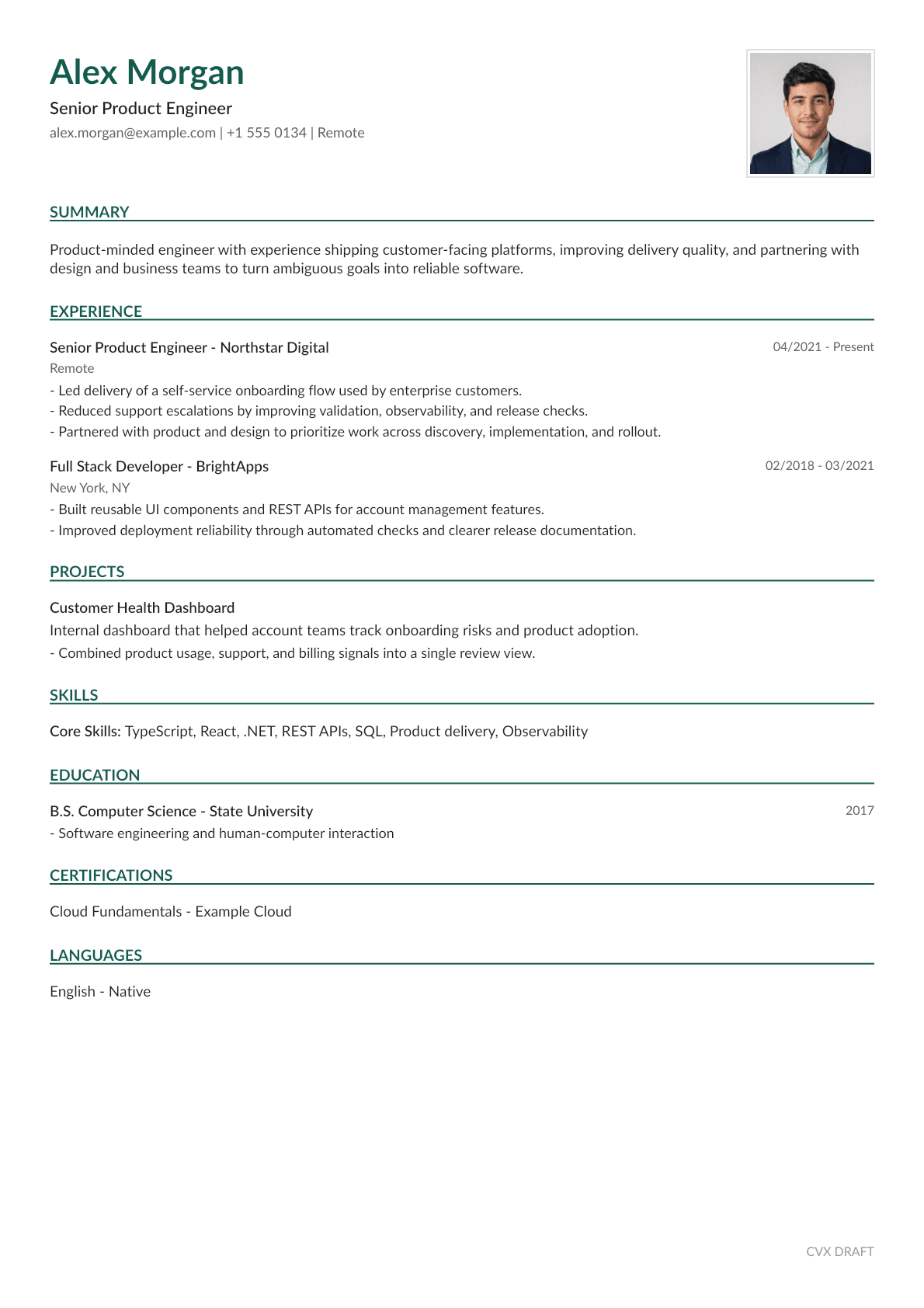
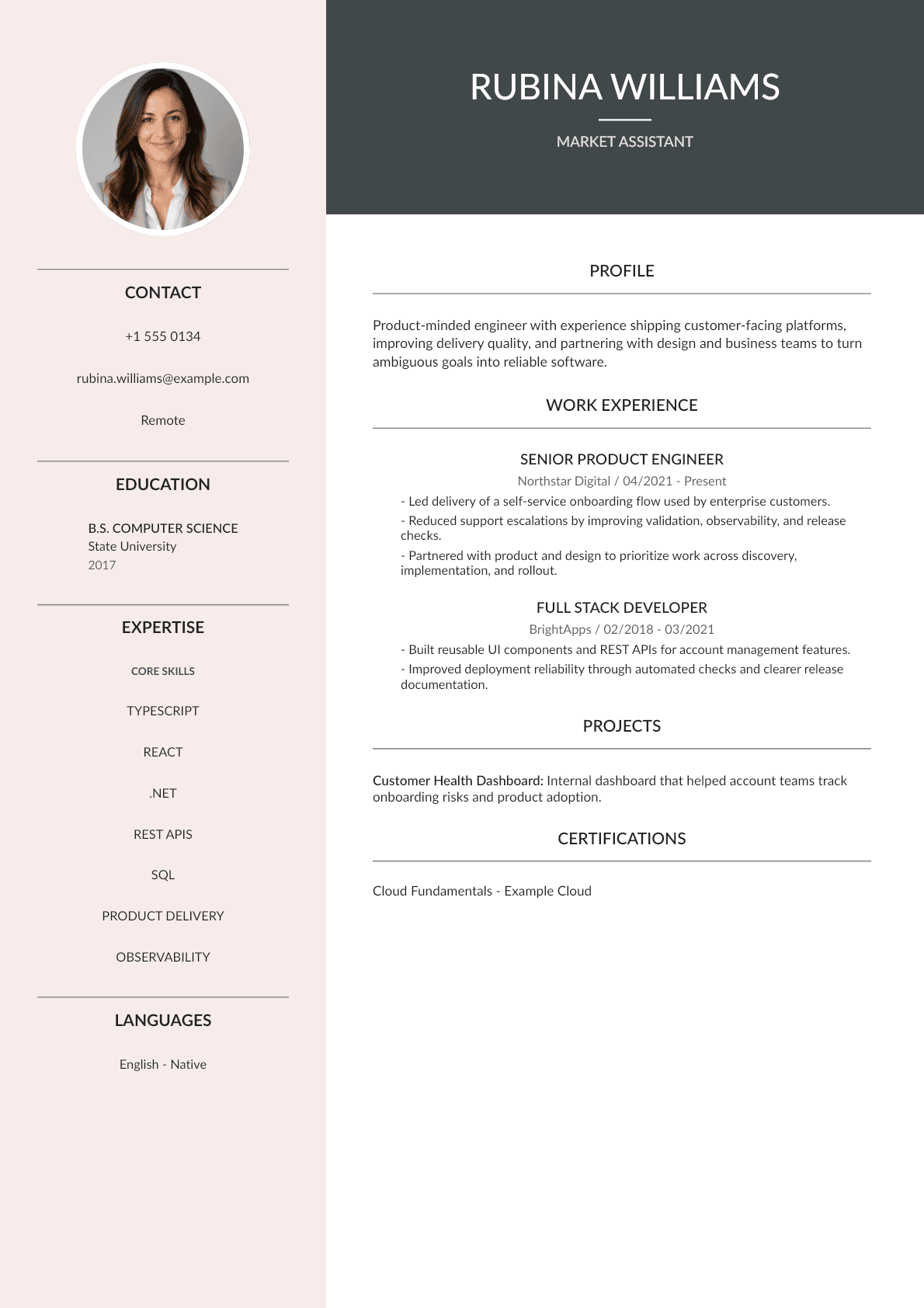
Pick a polished professional layout — classic, modern, or sidebar — with customizable accent colors.
Download your finished CV as a crisp PDF, ready to send to recruiters and job boards.
New features in progress to help you land the right job faster.
Paste a job posting and CVX tailors your CV, highlighting the skills the role needs.
Import your LinkedIn profile and turn it into a polished CV in seconds.
Turn any photo into a clean, professional headshot for your CV.
An AI agent rewrites your bullet points with stronger, more confident wording.